One system for estimating, sales, operations, and the books
Every tool shares the same clients, catalog, and numbers, so a takeoff becomes a quote, an invoice, a payment, and a stock movement without retyping.
Quotes & invoices
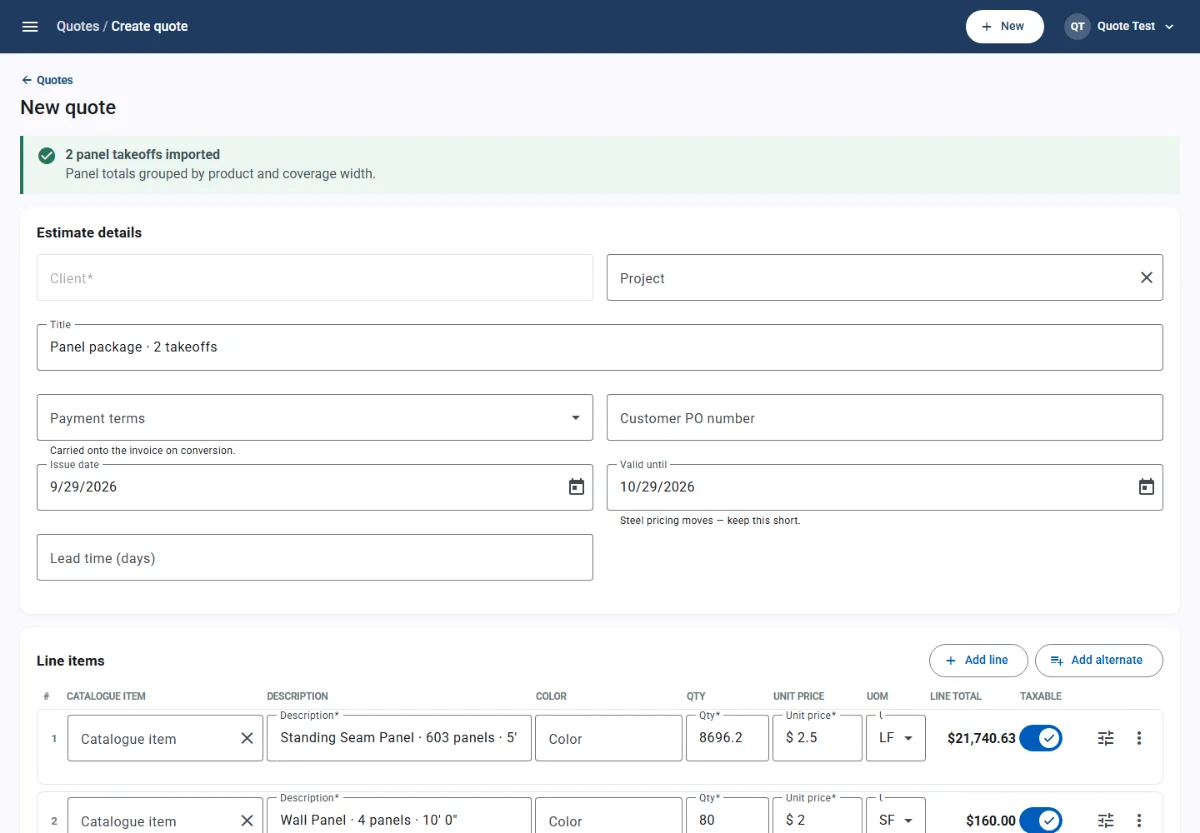
Price by linear foot, square, or piece. Send a quote your client can approve online, then turn it into an invoice with one click.
- Import takeoffs into quotes. Saved takeoffs become quote lines grouped by product and coverage width, with the cut schedule kept in the notes.
- Options and alternates. Optional lines show as alternates and stay out of the total until the client picks them. Cost and margin update as you edit.
- Online approval. Clients open a secure link, review the quote, and accept with a typed signature. Revisions keep the history and retire old links.
2D & 3D takeoff
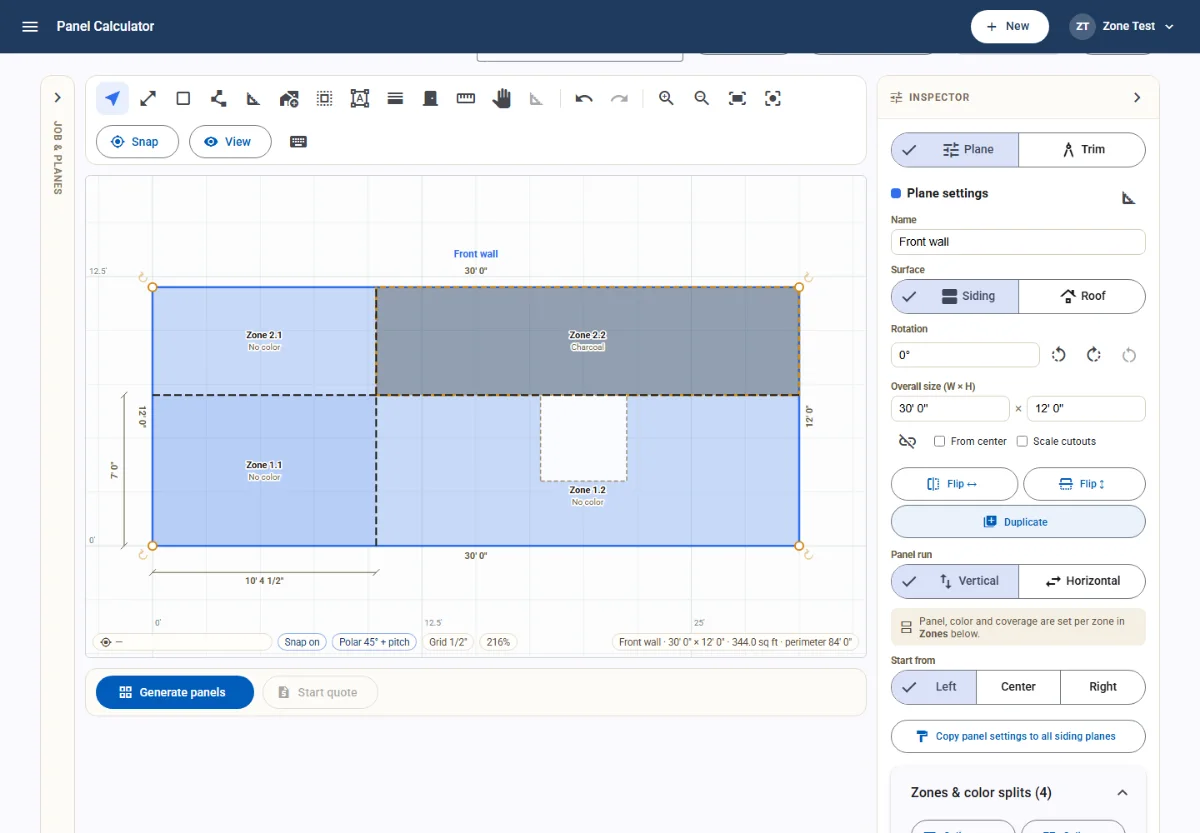
Draw planes by dimension, add openings, split color zones, and get a cut list pooled by product and coverage width, then send it straight to a quote.
- Draw by size or by hand. Rectangles, polygons, and edge-by-edge entry with pitch and angle, plus CAD-style snaps, guides, and undo.
- Openings, zones, and splices. Cut out doors and windows, split a wall into color zones, and splice runs longer than your maximum panel length with staggered seams.
- Cut lists and trim. Panels pooled by product, width, and length. Trim is assigned per edge and rounded up to stock lengths across the whole job.
Online store
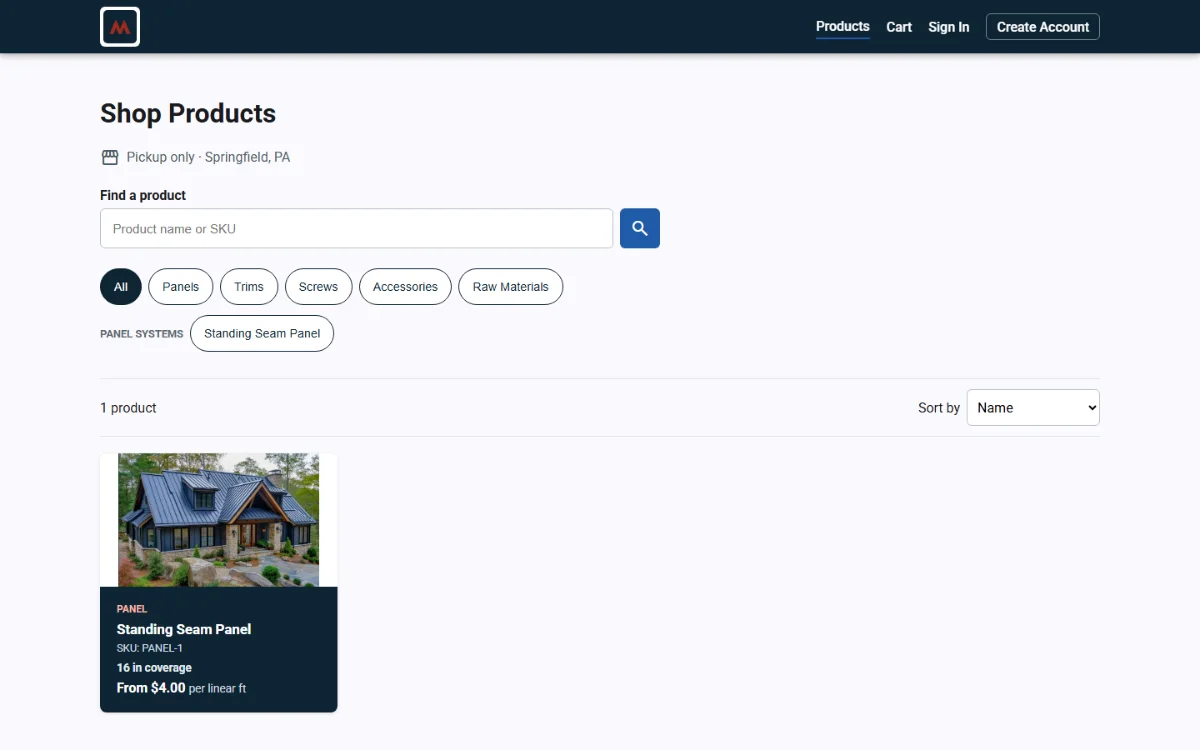
Publish products from the catalog you already quote from. Customers pick color, gauge, and length, pay by card, and the order lands in your portal.
- One catalog. Products, colors, gauges, and variant prices are shared with quotes and invoices, so the store never falls out of date.
- Cut-to-length ordering. Panels sell per linear foot within your maximum lengths. Width options and related trim show on every product page.
- Customer accounts and orders. Contractors register, check out, and see their order history. Paid orders reserve stock automatically.
Payments
Connect your own Stripe account in minutes. Customers pay invoices by card or bank transfer, and each payment posts to its invoice automatically.
- Your own Stripe account. You are the merchant of record. Payouts land in your bank, and you keep your Stripe dashboard, reporting, and dispute handling.
- Card and ACH. Invoices accept cards and, above an amount you choose, ACH bank transfers.
- Pay links. Send a secure link with each invoice. Customers see the balance, any processing fee, and the total before they pay.
Payments run on your Stripe account
- Optional processing fee
- In-person payments
- Automatic settlement
Inventory & purchasing
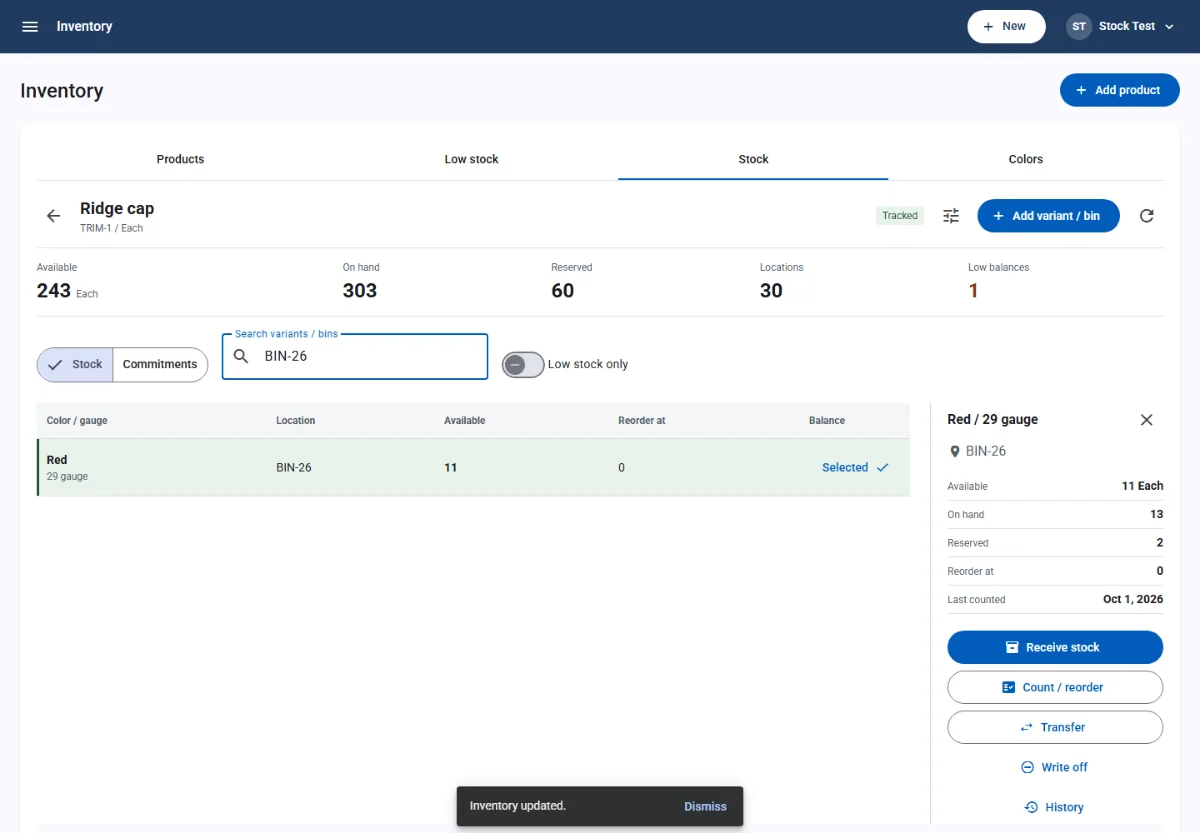
Track stock by color, gauge, and bin, reserve it for jobs automatically, and reorder from your vendors with purchase orders and bills.
- Stock for every variant. On hand, reserved, and available for every color and gauge combination, in every bin.
- Automatic reservations. Sent invoices and paid store orders reserve stock, pickup and shipping issue it, and voids release it.
- Counts and adjustments. Receive, count, transfer, and write off stock with a reason and a full movement history.
Accounting & banking
Invoices, payments, and bills post to your ledger as they happen. Write and print checks, bring in bank transactions, and reconcile in one place.
- Chart of accounts. A ready-made chart for a fabrication business that you can adjust, plus journal entries for everything else.
- Financial reports. Reports come from the same invoices, payments, and bills your team already enters.
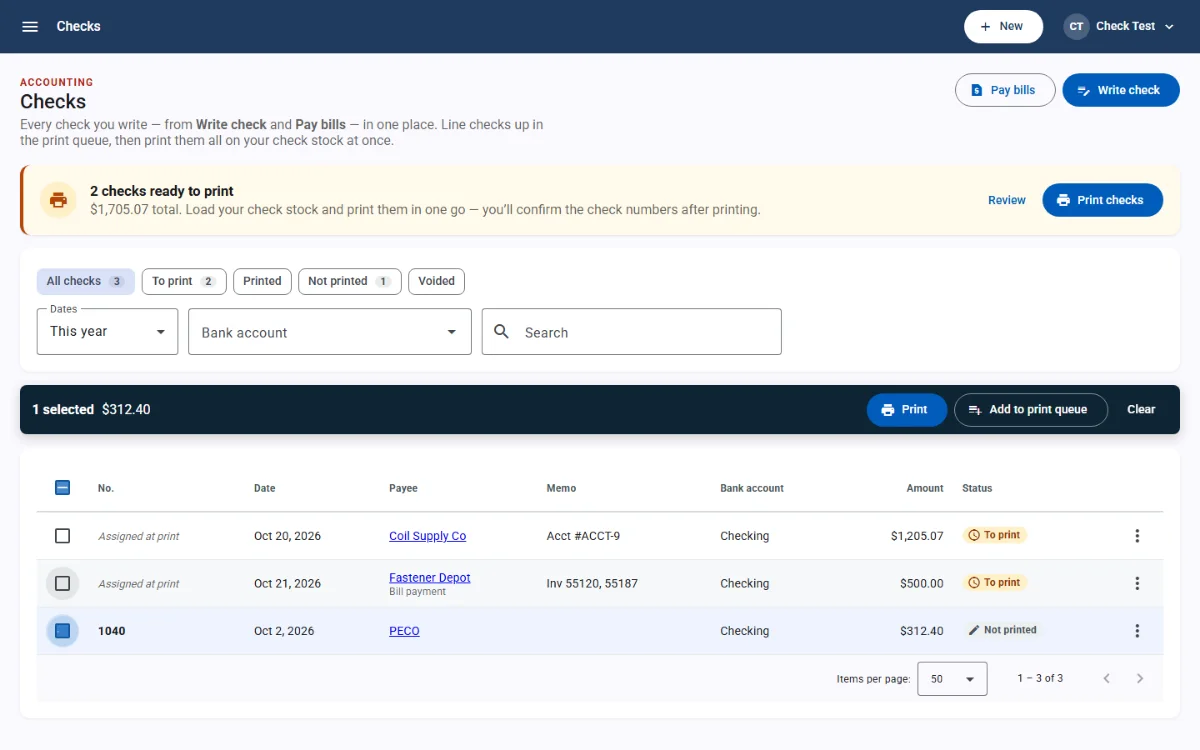
- Check printing. Write checks and pay bills, queue them, and print on pre-printed check stock with alignment you control.
Ready to run your shop in one place?
Try every Professional feature free for 7 days. No card required, and nothing is deleted if you decide to wait.